
Before You Paste Company Data into ChatGPT — Four Places to Check
Four places to check before pasting work documents into ChatGPT: greetings and signatures, quoted emails, client and project names, and logs. Start with company rules, then reduce unnecessary information.
On this page
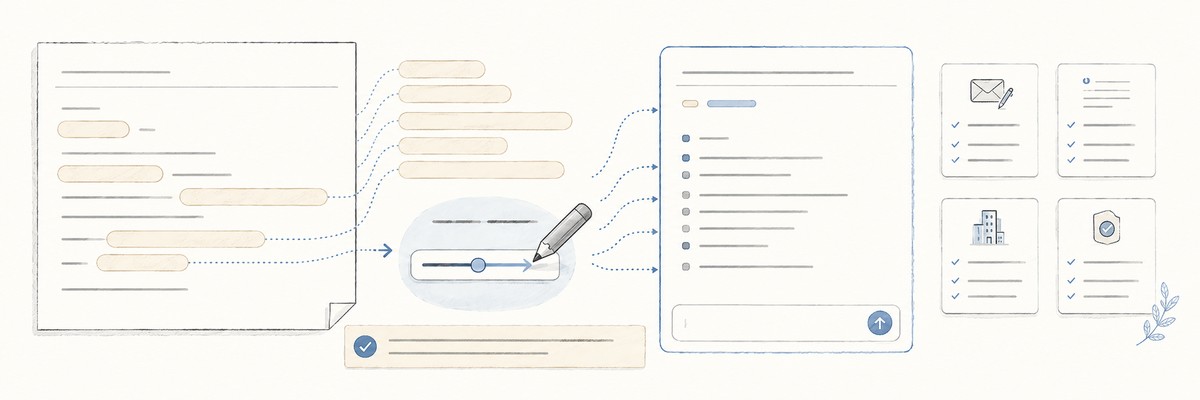
When you paste a work email or document into ChatGPT or another generative AI service, do you check only the main text?
Names and contact details can remain in signatures and quoted replies. Before pasting, I check the greeting and signature, quoted emails, client and project names, and logs or configuration details.
First, check whether you may share the information
Replacing names does not make every work document suitable for an AI service. Before you change anything in the text, check these points.
- The service and the account. Are you using a service your organisation has approved, with an approved account?
- The type of information and the purpose. May this document be entered for this particular task? Are there internal rules or contractual limits?
- Who to ask when you cannot tell. Which colleague do you ask, and through which process?
Japan’s Personal Information Protection Commission also advises people using generative AI services to read the provider’s terms and privacy policy carefully to understand how their information will be handled.
A provider setting that keeps your text out of model training is not the same as permission to enter it. Even on an approved service, the information you may enter and the purposes you may use it for can be limited.
If you cannot tell, leave the document unpasted and ask through an approved internal channel. A first message can be short:
I would like to use our approved AI service to redraft a reply to a client. The original email contains unannounced project details. Could you tell me what information I may enter for this purpose, and which internal rules apply? I have not sent the original to the AI service.
Describe the type of information and the purpose. If you later need to share the original text, follow your organisation’s rules on where and how to send it.
Reduce unnecessary information after you have confirmed that the input is permitted. The four checks below are that second step.
The four places I check
1. The greeting and signature
Names, company and department names, phone numbers and email addresses often appear here.
If the signature is irrelevant to the task, remove it. Where the relationship matters, use labels such as [contact] or [client].
2. Quoted emails
Below a reply, there may be older signatures, other people’s details or previous attachment names.
Read all the way to the bottom of the text you plan to paste, not just the current message. Leaving out an unrelated email history is often the simplest option.
3. Client and project names
Company names, project names and internal system names do not follow a fixed pattern in the way a phone number does.
Do not rely only on automatic detection. Ask whether each name is needed for this task. If it is not, replace it with a label such as [client] or [project].
4. Logs and configuration details
Logs and configuration files can contain API keys, tokens and passwords.
The starting rule for these credentials is to keep them out of what you send. If you accidentally send a valid credential, masking it afterwards cannot undo that disclosure. Check whether it needs to be revoked or reissued.
Replacing names is not the end of the check
For example, you might change:
“I’m meeting Yamada at Sample Trading next week to discuss a system replacement.”
into:
“I’m meeting [contact] at [client] next week to discuss a system replacement.”
The names have gone, but “next week” and “system replacement” remain.
Depending on the circumstances, the remaining details together may still point to a particular person or project.
That is why I read the edited text again and ask:
Does this task really need this information?
Replacing words is not the goal. Keep the information needed for the work you want the AI to do, and leave out what it does not need.
Additional detail: ChatGPT data settings
Conversations in ChatGPT’s personal services may be used to improve models. Turning off “Improve the model for everyone” lets you opt out of having new conversations used for that purpose.
For business services including ChatGPT Business and Enterprise, OpenAI says it does not use business data to train its models by default.
However, “not used for training” does not mean “approved for company information.” Check your organisation’s rules and the current terms for the service you actually use.
Sources
- Personal Information Protection Commission, Japan: Notice on the use of generative AI services (2 June 2023; external site, Japanese)
- OpenAI: Data Controls FAQ (external site)
- OpenAI: Enterprise privacy at OpenAI (external site)
Sources and the explanation of ChatGPT’s settings were checked on 13 September 2026.